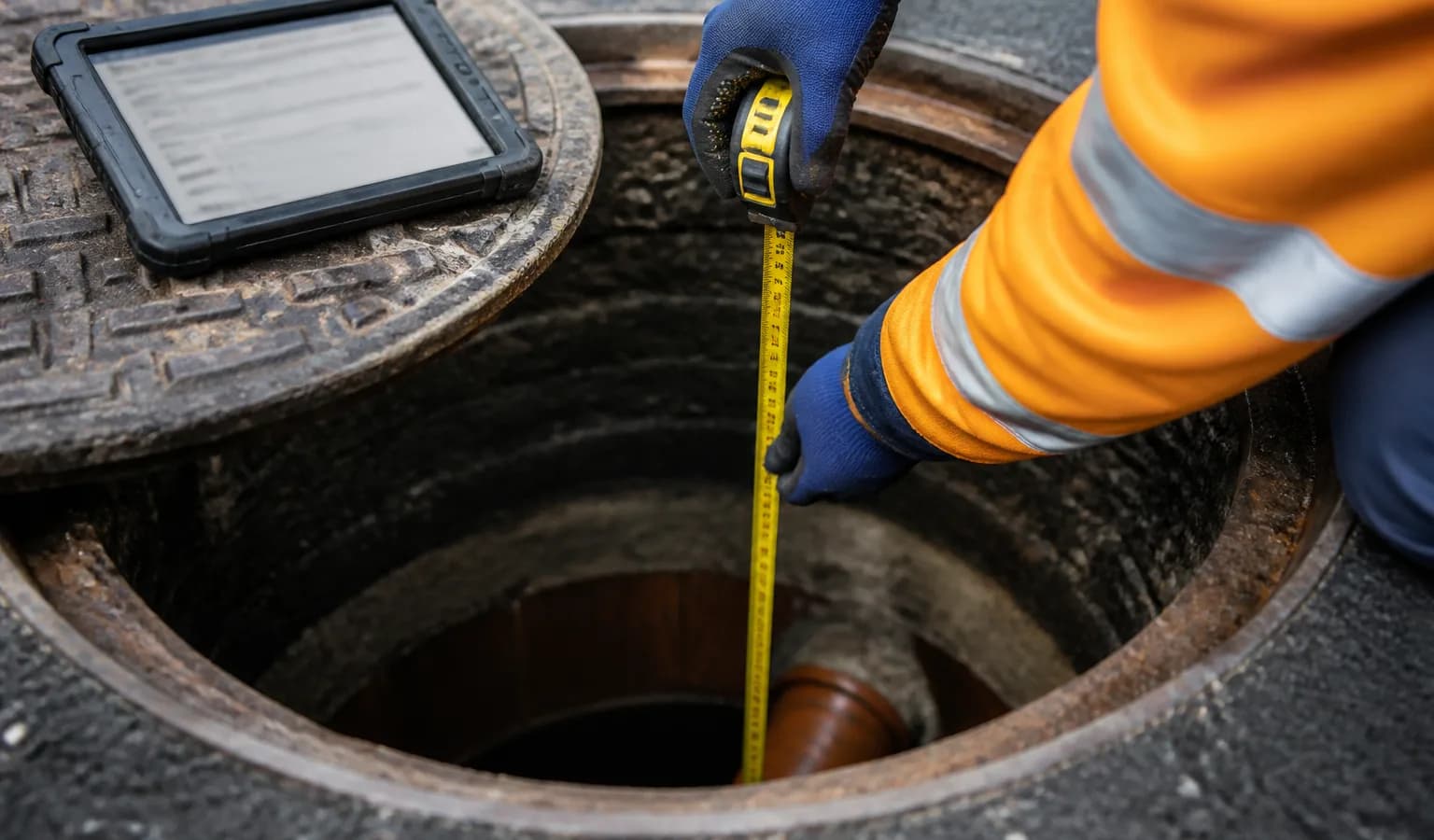
By the myPitLab team · Last updated 17 April 2026 · 5 min read
TL;DR
- Hand-drawn IC sketches take 15 to 25 minutes per complex chamber in the office
- Auto-sketch generators render the IC diagram from structured inspection data in under 2 minutes
- The data needed is what a UK drainage surveyor already captures: pipe positions, sizes, directions, benching and invert levels
- Consistent sketches across every job and every surveyor remove the "whose sketch is this" problem at client review
- For firms with 100+ ICs a month, auto-sketch is typically the single highest-ROI feature of digital MH software
Key takeaways
- An IC sketch is structured data rendered as a diagram, not artwork; software that treats it that way wins
- Auto-generation needs the surveyor to capture pipe angles relative to north or to a benchmark, not just "inlet 1, inlet 2"
- Benching type, cover type, and chamber construction all belong in the structured record and flow into the sketch automatically
- Review time drops from 20 minutes to 2 minutes per IC, with consistency across the entire project
- Manual override is still essential, the tool assists the surveyor, not the other way around
In this article
- Why IC sketches are the office bottleneck
- What "structured inspection data" actually means
- How auto-sketch generation works in practice
- The data a surveyor needs to capture
- When manual override still matters
- Frequently asked questions
Introduction
Any UK drainage surveyor who's drawn an IC sketch at 7pm after a long day knows the pain. A complex chamber with five or six pipes, benching at two levels, maybe a drop pipe, maybe a weir. The survey itself took 20 minutes. The sketch will take another 20. Multiply across 40 chambers and the drafting time becomes the job's biggest margin leak.
Auto-generated IC diagrams solve this by treating the sketch as what it actually is: structured data rendered as a picture. myPitLab and similar modern MH inspection platforms handle this in the Field module, with the sketch appearing the moment the inspection is complete.
Here's how it works, what data makes it reliable, and where manual judgement still needs to override the engine.
Why IC sketches are the office bottleneck
On a typical UK MH survey job, the field time per chamber runs 15 to 30 minutes. The office time per chamber, when IC sketches are hand-drawn, runs 10 to 25 minutes on top.
That second number is the margin killer. Field teams are relatively easy to scale (hire more surveyors, get more vans). Office drafting teams are harder, and the work is less interesting, which means retention is poor.
The drafting load doesn't scale cleanly either. A simple MH with two pipes in line takes 2 minutes to sketch. A complex IC with six pipes, two benching levels and step irons takes 25 minutes. The worst chambers on a job soak up most of the drafting hours.
Auto-sketch generation flattens this curve. Simple and complex chambers render in the same time window (roughly 30 seconds to 2 minutes) because the complexity lives in the data, not the drawing effort.
What "structured inspection data" actually means
An IC sketch isn't really a drawing. It's a layout derived from:
- Chamber outline (plan shape and dimensions)
- Cover position, type and size
- Pipe inlets and outlets (each with angle, diameter, material, invert level)
- Benching type (concrete, brick, half-round, etc.)
- Construction (brick, precast, plastic, in-situ concrete)
- Step irons, landings or ladders
- Notes and defects
When the surveyor captures all of this as structured fields (not free text), the sketch is a rendering problem, not a drawing problem. Any competent SVG or CAD renderer can place the pipes at the right angles, draw the benching, and label the inverts.
The catch is the "structured" part. Half the battle is designing the capture form so the surveyor can enter pipe angle, invert, size and material quickly, without making the inspection itself slower.
💡 Your IC sketches, rendered from your data myPitLab auto-generates IC and MH sketches in the background as your field team completes the inspection. By the time the surveyor uploads from site, the sketch is already in the report. Start free on myPitLab - render your first IC sketch today →
How auto-sketch generation works in practice
Once the inspection data is captured, the renderer does the following:
Places the chamber outline based on plan dimensions and shape (rectangular, circular, irregular).
Positions each pipe at its captured angle around the chamber wall. On a round chamber, the angle is typically measured clockwise from north or from a benchmark pipe. On a rectangular chamber, pipes are positioned on the correct wall with an offset from the corner.
Draws invert levels either as numeric labels or as visual elevations, depending on the report style. The best platforms offer both plan and elevation views.
Renders the benching based on type. Concrete benching to half-round channels looks different from in-situ concrete benching, and both look different from brick benching with dry channel. The engine knows the difference.
Labels pipe data with size, material, direction and invert. Labels auto-position to avoid overlap (the harder part).
Applies a house style so every IC sketch across every job looks the same. Line weights, fonts, colour codes and label placement stay consistent.
Total render time is seconds. The 2-minute figure refers to the surveyor or office reviewer opening the sketch, checking it against the field notes, and approving it.
The data a surveyor needs to capture
Auto-generation only works if the surveyor captures the right data. The non-negotiable fields for a reliable IC sketch are:
- Chamber shape, dimensions and construction
- For each pipe: angle (clockwise from north or from benchmark), diameter, material, direction (inlet/outlet), invert level in mAOD
- Benching type
- Cover type, size and condition
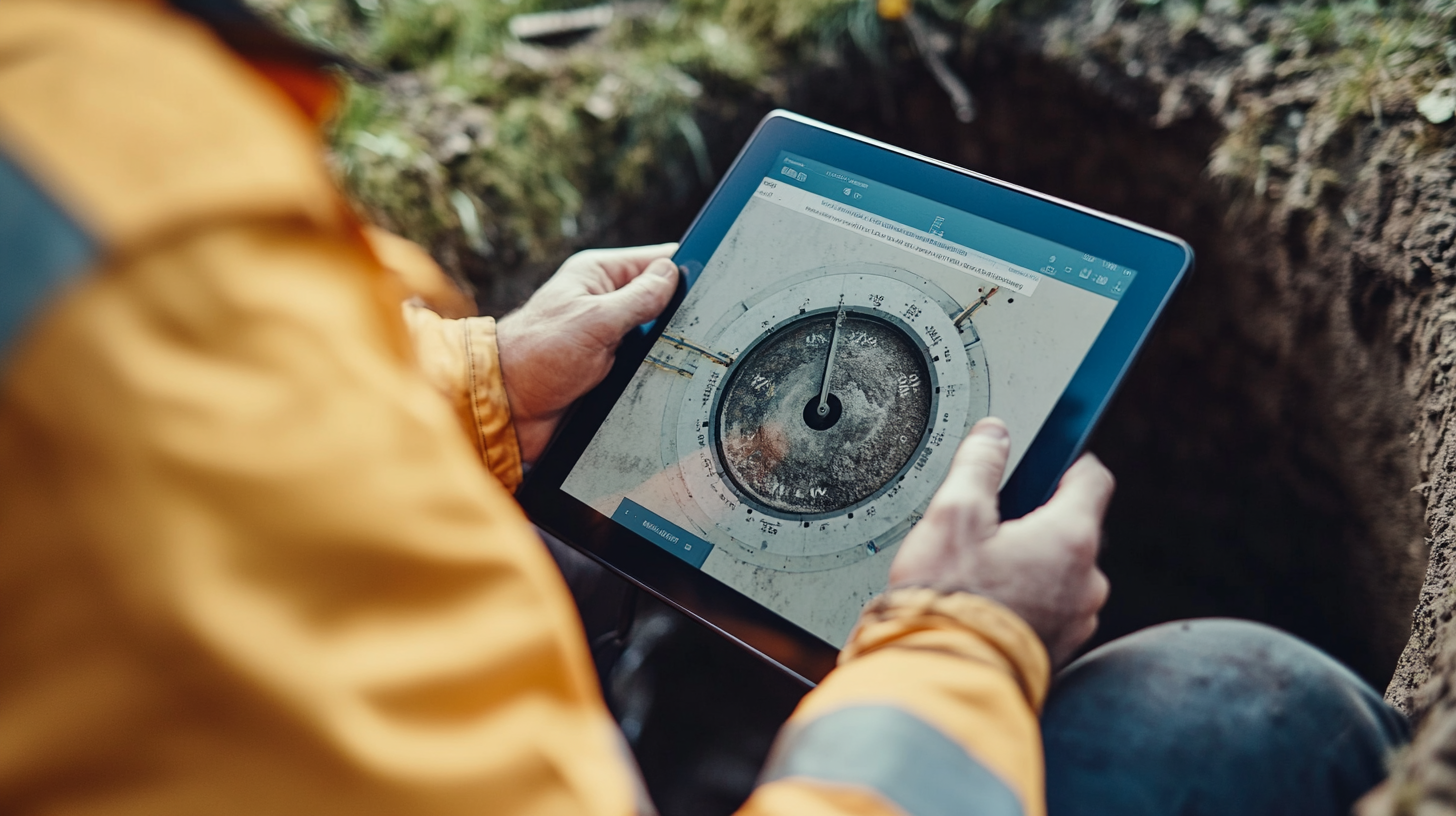
The field that gets missed most often is pipe angle. Surveyors used to paper-based work will write "inlet left, inlet right" without giving a number. A sketch generator needs a number (e.g. 180° for inlet opposite outlet, or 90° for side inlet). Modern capture forms default to a circular dial or compass control that makes this easier than it sounds.
Level accuracy is the next most common failure. If the invert levels aren't captured to mAOD or to a local datum, the elevation view of the sketch won't resolve properly. Good software validates that cover level minus depth equals invert level, or flags the inconsistency.
When manual override still matters
Auto-generation handles roughly 90 percent of UK IC sketches cleanly. The remaining 10 percent need manual override:
- Unusual chamber shapes (triangular junction chambers, asymmetric structures) where the standard renderer can't place pipes sensibly
- Historic chambers with features the standard field capture form doesn't cover
- Defects that affect the layout (collapsed benching, a pipe that's been partially filled)
- Client-specific style requirements that override the platform's default style
The right answer here is not "turn off auto-sketch for these cases". It's "let the surveyor or CAD technician edit the auto-generated sketch in the same tool". The generator gets you 80 percent of the way; manual tweaks finish the rest.
A platform that forces you back to full hand-drawing for edge cases isn't really saving you time. The edge cases are exactly the chambers that take longest.
Frequently asked questions
How long does auto-sketch generation actually take? The rendering itself is near-instant (under 5 seconds per chamber). The practical figure of 2 minutes per IC reflects human review and sign-off time, not compute time.
What file formats does an auto-generated IC sketch export to? Good software exports to PDF for reports, SVG for web viewing, and DWG or DXF for CAD drafting. The underlying data should also be available as structured JSON or CSV for further processing.
Does auto-sketch work with existing STC25 data? Yes, provided the STC25 record contains the pipe angles, inverts and chamber dimensions the renderer needs. Older STC25 records often have the pipes labelled by direction text only, which means retrofit work to add angles before auto-sketch will produce clean output.
Can I still add hand-drawn notes to an auto-generated sketch? Yes. Most modern platforms support annotation layers over the auto-generated sketch, so surveyors can add field notes, defect markers or callouts without touching the underlying rendering.
What happens when inspection data is incomplete? The sketch renders what data it has and flags the gaps. Incomplete data produces a partial sketch, not a broken one, and the flags tell the reviewer exactly which fields need filling.
One inspection, one sketch, no overtime
Hand-drawing IC sketches is a habit that made sense before the capture data was structured. It stopped making sense roughly a decade ago, but most UK drainage firms are still doing it because the tools to replace it weren't available at the right price.
In 2026, they are. myPitLab renders IC and MH sketches automatically from the field data your team already captures — including geo-photos with GPS for evidence — with free trial access for UK survey firms.
Start free on myPitLab - skip the hand-drawing →
Sources:
- WRc Model Contract Document for Manhole Location Surveys (STC25)
- BS EN 752: Drain and sewer systems outside buildings
- Sewerage Sector Guidance - Water UK
Disclaimer: This article is general guidance for UK drainage and utility survey professionals. Always verify current client and water company requirements for MH and IC sketch deliverables.
Internal link suggestions:
- /blog/manhole-inspection-software-3d-uk-guide (Pillar 1)
- /blog/stc25-alternative-modern-manhole-software (Spoke 1.2)
- /product/field-inspections
Image suggestions:
- Hero: Auto-generated IC sketch rendered from myPitLab field data (alt: "Auto-generated inspection chamber sketch from myPitLab")
- Mid-article: Screenshot of mobile capture form showing pipe angle dial and invert field (alt: "Mobile MH inspection form showing pipe angle capture")