By the myPitLab team · Last updated 17 April 2026 · 8 min read
TL;DR
- UK monitoring contracts (rail trackside, construction next to sensitive structures, earthworks, dam and bridge movement) increasingly specify real-time visualisation as standard
- Traditional monitoring workflow (manual readings, spreadsheet processing, weekly PDF reports) is being replaced by continuous capture with dashboard delivery
- Threshold alerts replace weekly review cycles; clients get notified when a reading exceeds trigger, alert or alarm levels
- Client portal access to live monitoring data is becoming a contract requirement for tier-one UK infrastructure work
- Software that handles capture, processing, alerting and client delivery as one workflow beats stitched-together point tools
Key takeaways
- Monitoring contracts for UK infrastructure increasingly require live dashboards, not weekly PDF reports
- Trigger, alert and alarm thresholds need to be captured per monitoring point, not per job
- Continuous capture (from total stations, tilt meters, GNSS, piezometers, strain gauges) needs a processing pipeline, not a spreadsheet
- Client portals for monitoring data change the commercial relationship with asset owners and tier-one contractors
- Most UK monitoring software was written before real-time client delivery was standard; the category is currently being rebuilt
In this article
- What survey monitoring actually involves in 2026
- Why legacy monitoring workflows are breaking down
- What modern monitoring software should do
- Threshold levels: trigger, alert, alarm
- The client portal for monitoring data
- Integration with rail, construction and infrastructure sectors
- What to look for when choosing
- Common mistakes on monitoring projects
- Frequently asked questions
Introduction
Survey monitoring is one of the quieter but fastest-changing parts of UK survey work. Rail trackside movement during adjacent construction. Building settlement next to new basements. Retaining wall deformation. Bridge bearing movement. Earthworks progress. Tunnel convergence.
The data collection side hasn't changed fundamentally. Robotic total stations, GNSS, tilt meters, piezometers, crackmeters, strain gauges. What's changed is what clients do with the data, and how fast they expect to see it.
In 2026, a monitoring contract for a tier-one UK infrastructure project typically specifies continuous capture, automated threshold alerts, and client portal access. Weekly PDF reports are still delivered, but as a confirmation rather than as the primary deliverable. myPitLab covers this workflow end to end, from field capture through processing and visualisation to client delivery.
Here's what the market looks like, what modern monitoring software should do, and what UK survey firms need to watch for.
What survey monitoring actually involves in 2026
A typical UK monitoring contract includes one or more of the following.
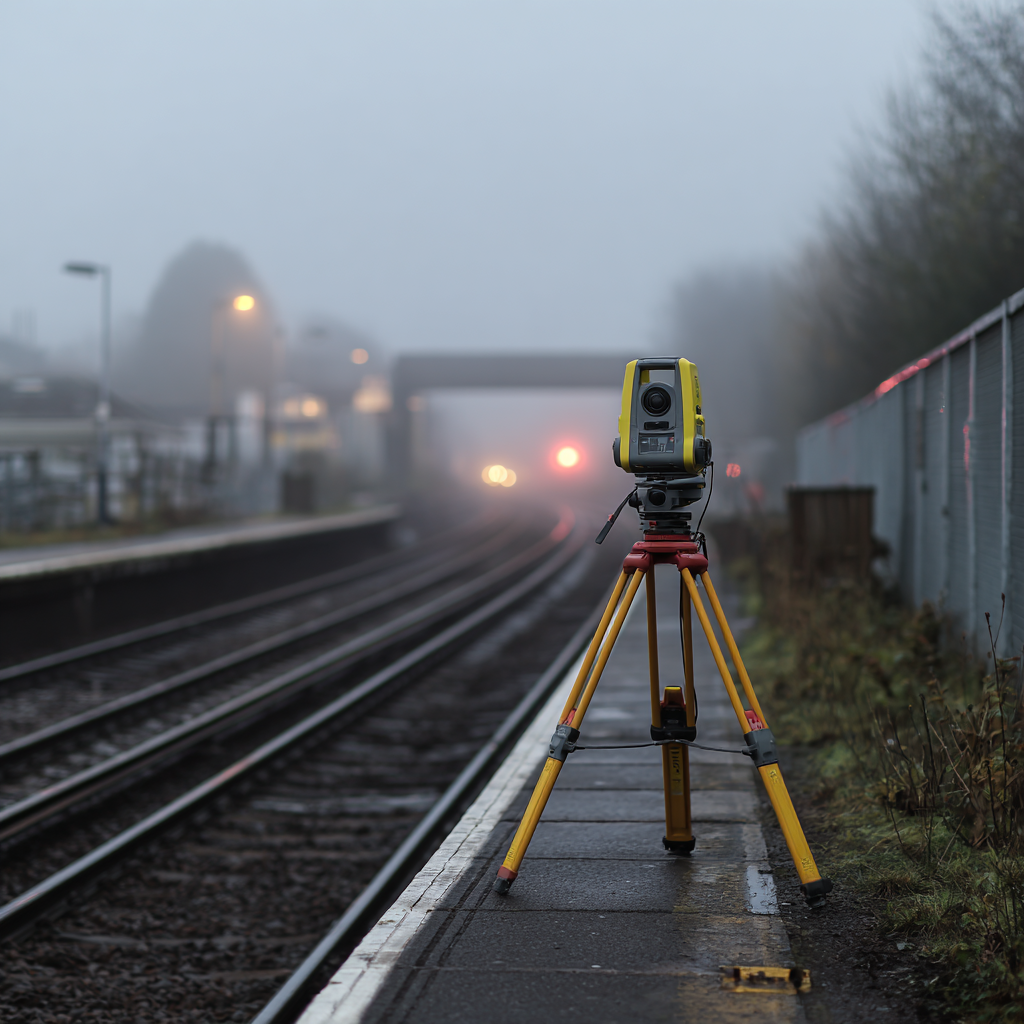
Trackside rail monitoring. Network Rail, HS2 and major station works trigger requirements for monitoring nearby track during adjacent construction. Typical setup: robotic total stations aimed at prisms on track, continuous readings every 30 minutes, threshold alerts tied to Network Rail possession windows.
Building and structure settlement. When new basements, tunnels or piling work happen next to sensitive buildings, those buildings get monitored for settlement, tilt and cracking. Typical setup: GNSS receivers on rooftops, crackmeters across visible defects, tilt beams on critical walls.
Earthworks and slope stability. Large cuttings, embankments and landslip-prone slopes get monitored for movement during and after construction. Typical setup: GNSS, inclinometers in boreholes, surface markers on prisms.
Bridge and viaduct monitoring. Existing bridges during nearby works, new bridges during bedding-in, historic bridges under load. Typical setup: total stations, tilt meters on bearings, strain gauges on members.
Dam and reservoir monitoring. Long-term monitoring of crest settlement, pore pressure and seepage. Typical setup: automated piezometers, GNSS, settlement plates.
Dewatering and groundwater monitoring. During construction in high water tables, groundwater levels around the excavation get monitored to protect nearby structures. Typical setup: automated piezometers or dip meters.
Each of these has the same underlying shape: continuous capture from field instruments, processing against baselines and thresholds, visualisation as time-series data, alerting when thresholds are crossed, and reporting to clients and stakeholders.
Why legacy monitoring workflows are breaking down
The traditional UK monitoring workflow runs something like this.
A surveyor or technician takes manual readings on a schedule (daily, weekly, or as-triggered). The readings go into a spreadsheet, usually Excel. Someone in the office processes the spreadsheet, calculates displacements against baseline, checks against threshold levels, and produces a PDF report. The report gets emailed to the client once a week.
This works. It's worked for 20 years. It's breaking down for several reasons.
Continuous capture generates too much data for manual processing. A robotic total station taking readings every 30 minutes produces 48 datapoints per prism per day. Across 20 prisms on a site, that's nearly 1,000 readings a day. Excel doesn't scale to this cleanly, and the processing time per week becomes impractical.
Threshold alerts need to be near-instant, not weekly. If a prism on Network Rail track exceeds trigger level at 2am, the site team needs to know at 2am, not in Thursday's report. Manual processing can't deliver this.
Clients expect dashboards, not PDFs. Tier-one contractors, major developers and infrastructure owners increasingly ask for live data access as a contract clause. PDF-only delivery starts to look dated and starts losing bids.
Regulatory and insurance requirements are tightening. Network Rail possession planning, HSE enforcement on adjacent construction risk, and insurance conditions on high-value structures all increasingly require documented threshold monitoring with auditable trigger response.
The firms still running monitoring contracts on Excel and weekly PDF reports are finding themselves uncompetitive on bids for larger work.
What modern monitoring software should do
Modern survey monitoring software covers the full chain from instrument to client.
Automated capture from field instruments. Direct connection to robotic total stations, GNSS receivers, automated piezometers, crackmeters, tilt sensors and strain gauges. No manual data entry at the capture step.
Time-series data storage. Every reading stored with timestamp, point ID, raw measurement, processed displacement, and metadata (weather, temperature, instrument ID). Queryable by date range, by point, by site.
Baseline and displacement calculation. Automatic calculation of movement against established baselines. Different baseline strategies supported (fixed initial baseline, rolling baseline, periodic re-baseline).
Threshold management. Trigger, alert and alarm levels captured per point, per axis, per measurement type. Thresholds can be absolute (e.g. 5mm displacement) or rate-based (e.g. 1mm/day).
Automated alerting. Email and SMS alerts to nominated recipients when thresholds are breached, with escalation rules. Alerts include the offending reading, the threshold level, and a link to the dashboard.
Time-series visualisation. Dashboard charts showing movement over time for each point or group of points. Customisable date ranges, comparison between points, overlay of construction activities.
Spatial visualisation. Map view of the site with monitoring points, colour-coded by status (green within tolerance, amber at alert, red at alarm). Live status at a glance.
Report generation. Automated weekly or daily reports generated from the same data that drives the dashboard. PDF deliverable for clients who still require it, alongside live portal access.
Client portal. Stakeholder access to the live dashboard, with permissions per project and per user. Different views for different stakeholder types (site manager wants the spatial map, engineer wants the time-series charts, client wants the summary). Rail and construction jobs often require aligned RAMS and monitoring scope on the same project record.
💡 Live monitoring, one platform, one client portal myPitLab runs the full monitoring workflow from instrument capture through processing and alerting to client portal delivery. Threshold alerts, live dashboards and weekly reports all from the same data. Start free on myPitLab - test monitoring on your next project →
Threshold levels: trigger, alert, alarm
UK monitoring contracts typically specify three threshold levels for each monitoring point.
Trigger level. The first threshold. When a reading exceeds trigger, it suggests movement is occurring but isn't yet a safety concern. Typical response: increased monitoring frequency, review of readings, notification to site team.
Alert level. The second threshold. Movement is significant and requires specific response. Typical response: site inspection, review of construction activity, possible adjustment of works.
Alarm level. The third threshold. Movement is at a level requiring immediate action. Typical response: site evacuation, Network Rail possession confirmation, engineering review, stop works.
Each level can be absolute (displacement since baseline) or rate-based (displacement per day). Good monitoring software supports both, and allows complex compound thresholds where needed.
The critical feature is that thresholds live per point, not per project. A prism on a critical rail junction may have alarm level of 2mm. A prism on a non-critical fence may have alarm level of 25mm. Software that only supports project-wide thresholds doesn't match UK contract reality.
The client portal for monitoring data
For monitoring contracts, the client portal is often the most visible part of the deliverable.
What the client (typically a tier-one contractor, Network Rail, a major developer or an asset owner) wants to see:
- Live dashboard showing current status of all monitoring points
- Time-series charts for any point over any date range
- Threshold levels clearly marked on the charts
- Map view showing spatial layout and status
- Alert history with response notes
- Daily and weekly PDF reports downloadable from the same portal
- Ability to share specific views with their own team
Stakeholder access controls matter here. Network Rail engineers may want different views from site managers may want different views from senior decision-makers. Good software supports role-based access with different default dashboards per role.
The commercial implication is significant. Monitoring firms offering live portal access win work against firms still delivering weekly PDFs. The portal becomes a differentiator on bid.
Integration with rail, construction and infrastructure sectors
Different sectors have different expectations.
Rail. Network Rail has specific standards around trackside monitoring and possession planning. Software needs to handle Network Rail-aligned reporting formats and integrate with possession management. Movement thresholds are typically tight (2-5mm trigger) and response times short.
Construction. On major construction projects, monitoring software sits alongside BIM and the principal contractor's CDE. Integration with tools like Asite, Viewpoint or BIM 360 matters. Monitoring data often needs to be accessible from the main project's common environment.
Infrastructure. For highways, bridges, dams and tunnels, long-term monitoring is common. Software needs to support multi-year data retention, comparison against historical baselines, and occasional re-baselining after interventions.
Utilities. Monitoring during pipeline or cable installation next to sensitive services. Short-duration, high-intensity monitoring with clear start-and-end phases.
Good monitoring software handles the common spine (capture, process, alert, visualise, deliver) and adapts to sector-specific reporting requirements through templates and exports.
What to look for when choosing
Direct instrument integration. Not "supports CSV import". Direct connection to major robotic total stations (Leica, Trimble, Topcon), automated GNSS, and common data loggers. CSV is a fallback, not a feature.
Threshold handling per point. Ask for a demo with 50 monitoring points, each with different threshold levels, and see how it's configured. Many platforms claim this but handle it clunkily.
Alert reliability. Threshold alerts are the part where failure is most visible. Ask about the alerting infrastructure: how is email delivered, how is SMS delivered, what happens if the alert can't send, how is alert history logged.
Client portal that's usable by non-experts. A tier-one contractor's site manager isn't a surveyor. The portal needs to be navigable in under 30 seconds. If the demo requires a walkthrough, it's too complex.
Report templates matching UK contract requirements. Network Rail format, Crossrail format, HS2 format, generic engineering consultancy format. Templates that can be customised without developer involvement.
Long-term data retention. For infrastructure monitoring, data from 5 years ago may still be relevant. Ask about retention, archival and re-access of historical data.
Common mistakes on monitoring projects
Specifying thresholds based on theoretical tolerance rather than real site context. Thresholds should reflect construction activity, weather, and baseline stability, not just engineering calculations.
Not integrating weather and temperature data. Many movement signals are thermally driven. Without temperature context, you chase false alerts and ignore real ones.
Weekly reporting as the primary deliverable. The weekly report should be a summary of the live portal, not the only way the client sees the data.
Inadequate alerting escalation. An alarm threshold crossed at 2am shouldn't send a single email to one person's inbox and wait 6 hours for response. Escalation matters.
Manual baselining. Using software that requires manual baseline establishment per project creates errors. Automated initial baseline with manual adjustment where needed is the better pattern.
Frequently asked questions
What's the difference between trigger, alert and alarm thresholds? Trigger indicates movement worth noting. Alert indicates movement requiring inspection. Alarm indicates movement requiring immediate action. The three-tier model is standard on UK monitoring contracts and should be captured per point.
Can monitoring software work without continuous instruments? Yes. Manual monitoring (periodic readings, not continuous) is still common for lower-value projects. The same software should handle both, with different reading frequencies per point.
How does monitoring software integrate with BIM platforms? Through common data environments. Most modern monitoring platforms can export data or provide API access that BIM platforms consume. Deep integration is still emerging but data exchange is typically straightforward.
What happens if an alert is missed at 2am? Modern monitoring software logs every alert attempt, every delivery confirmation, and every read acknowledgement. Audit trails cover whether alerts were sent, received, and actioned. Missed alerts are rare with proper escalation configuration.
How much historical data should monitoring software retain? At least the full duration of the contract plus a reasonable post-contract window (typically 5 years). For long-term infrastructure monitoring, 10+ years of retention may be required. Check retention before signing.
Who owns the data in a monitoring contract? Usually the asset owner or principal contractor, per the contract. Software should support data export in standard formats at any time, so the owner can take the data elsewhere if they need to.
Monitoring, visualised
UK monitoring work in 2026 is no longer about weekly PDF reports and Excel processing. Clients want live dashboards, automated threshold alerts, and portal access as standard. The firms winning monitoring contracts are the ones who've made the move; the firms still offering 2015-era deliverables are watching bids go to their competition.
myPitLab covers the full monitoring workflow from field instrument to client portal, with free trial access for UK survey firms.
Start free on myPitLab - set up your first monitoring project today →
Sources:
- Network Rail standards for trackside monitoring during adjacent works
- ICES monitoring best practice guidance
- BS 5837 and related BSI guidance on structural movement monitoring
- TSA guidance on deformation survey deliverables
Disclaimer: This article is general guidance for UK survey monitoring professionals. Specific contract requirements, threshold levels and alerting arrangements vary by project; always align with the contract specification and relevant standards for each monitoring contract.
Internal link suggestions:
- /blog/survey-client-portal-uk-2026 (Spoke 2.1)
- /blog/all-in-one-survey-platform-uk-2026 (Pillar 3)
- /product/monitoring
Image suggestions:
- Hero: Dashboard showing monitoring points on a map with time-series chart (alt: "myPitLab survey monitoring dashboard")
- Mid-article: Threshold chart showing trigger, alert, alarm levels for a single monitoring point (alt: "Monitoring threshold chart showing trigger, alert and alarm levels")