By the myPitLab team · Last updated 7 June 2026 · 8 min read
TL;DR
- Most MH/IC jobs spend at least part of the day with poor or zero mobile data — offline capture is not optional for UK drainage and utility survey work
- Reliable offline inspection means structured forms, geo-photos with GPS, sketches and readings stored locally until sync — not photos dumped in the camera roll
- The sync step must preserve asset IDs, inspection history and QA status so the office team is not rebuilding records from WhatsApp threads
- Offline-first apps reduce rework from “we’ll fill the sheet back at the van” — the single biggest source of missing invert levels and wrong pipe counts
- Choose software that treats offline as the default path, with online sync as the exception, not the other way around
Key takeaways
- Offline inspection only works when every field (pipe, invert, cover, defect) is captured in a structured form, not as free text or loose photos
- Geo-photos tied to GPS coordinates and asset IDs beat camera-roll images for QA, disputes and client portals
- Sync conflicts are rare if each inspection gets a stable local ID before upload
- Office QA should run on the same record the surveyor created on site — no re-keying from paper
- Test offline on real devices (not aeroplane mode on Wi‑Fi-only tablets) before you commit a live project
In this article
- Why signal drops are guaranteed on UK MH jobs
- What “offline inspection” should actually include
- Geo-photos, GPS and sketches without connectivity
- Sync, QA and publish when you are back online
- How to evaluate offline-capable MH software
- Frequently asked questions
Introduction
If your MH surveyors have ever said “I’ll finish the sheet when we get signal,” you already know the cost. Missing pipe angles, photos that never got labelled, invert levels copied from memory hours later. The chamber was fine on site. The record is not.
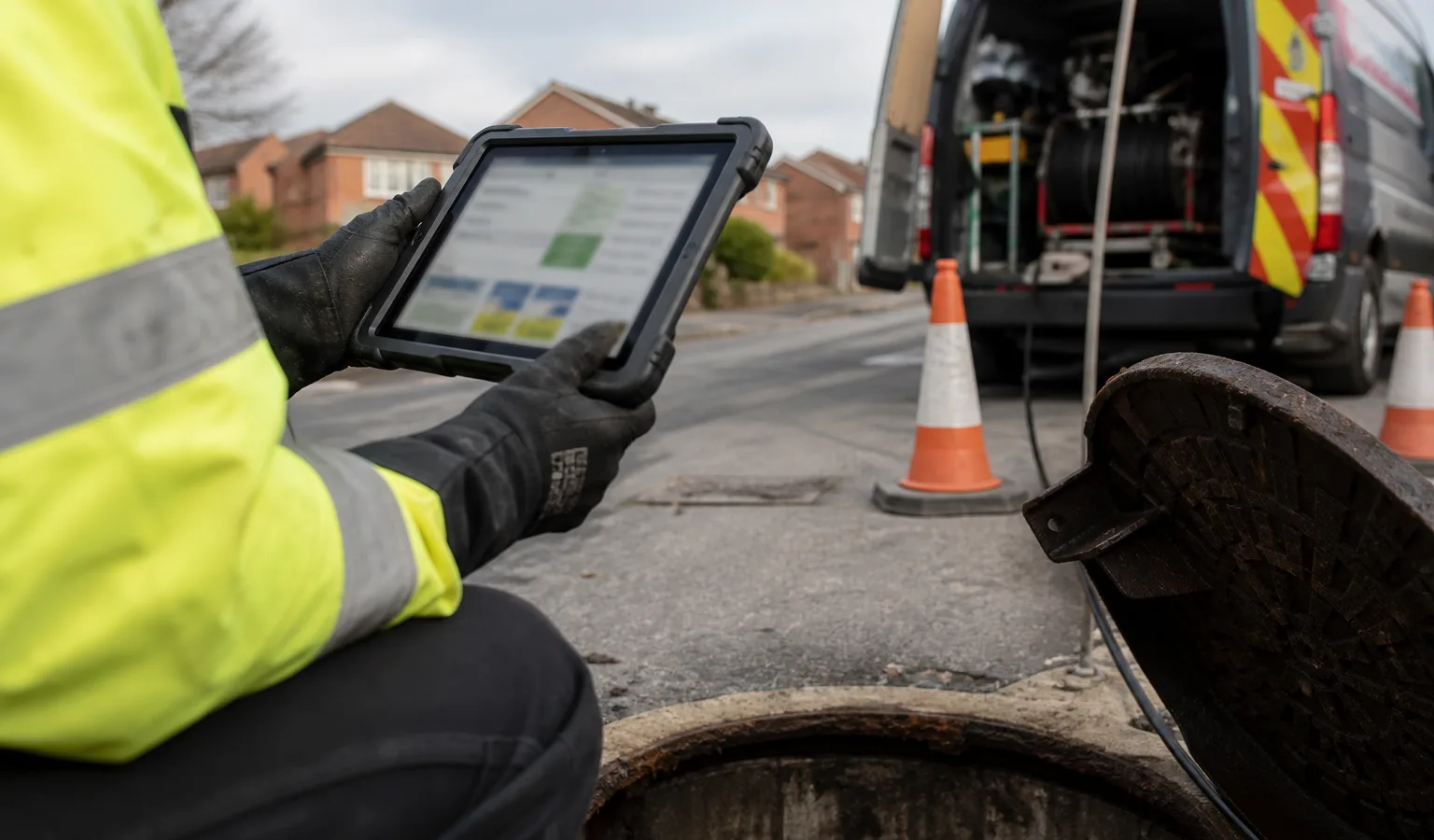
UK drainage, highways and utility jobs routinely run through industrial estates, rail corridors, basements, rural lanes and new-build sites where 4G is patchy. Offline manhole inspection is not a nice-to-have feature for power users. It is the baseline for credible field capture in 2026.
myPitLab is built offline-first for MH and IC work: structured capture, geo-photos, sketches and readings sync when connectivity returns, then flow through office QA to PDF, DXF and client portal delivery. This guide explains what to demand from any platform — and how to run offline inspections without creating a second paperwork trail.
Why signal drops are guaranteed on UK MH jobs
Mobile coverage maps lie politely. A site can show four bars in the car park and nothing beside the chamber three metres away. Common UK scenarios where offline matters:
- Rail and highways possessions — safety rules often restrict phone use; data is worse than voice
- Industrial units and basements — steel roofs and deep chambers kill signal
- Greenfield and new estates — masts lag behind construction
- Rural drainage runs — long stretches between usable data
- Winter and wet weather — surveyors work anyway; connectivity does not improve because the job is urgent
Paper cards and Excel backups “when signal fails” recreate double entry. The office re-types what the field thought they remembered. That is where STC25-style location data survives but chamber detail dies.
Offline-capable software keeps one record: what the surveyor entered on site is what QA reviews and what the client receives.
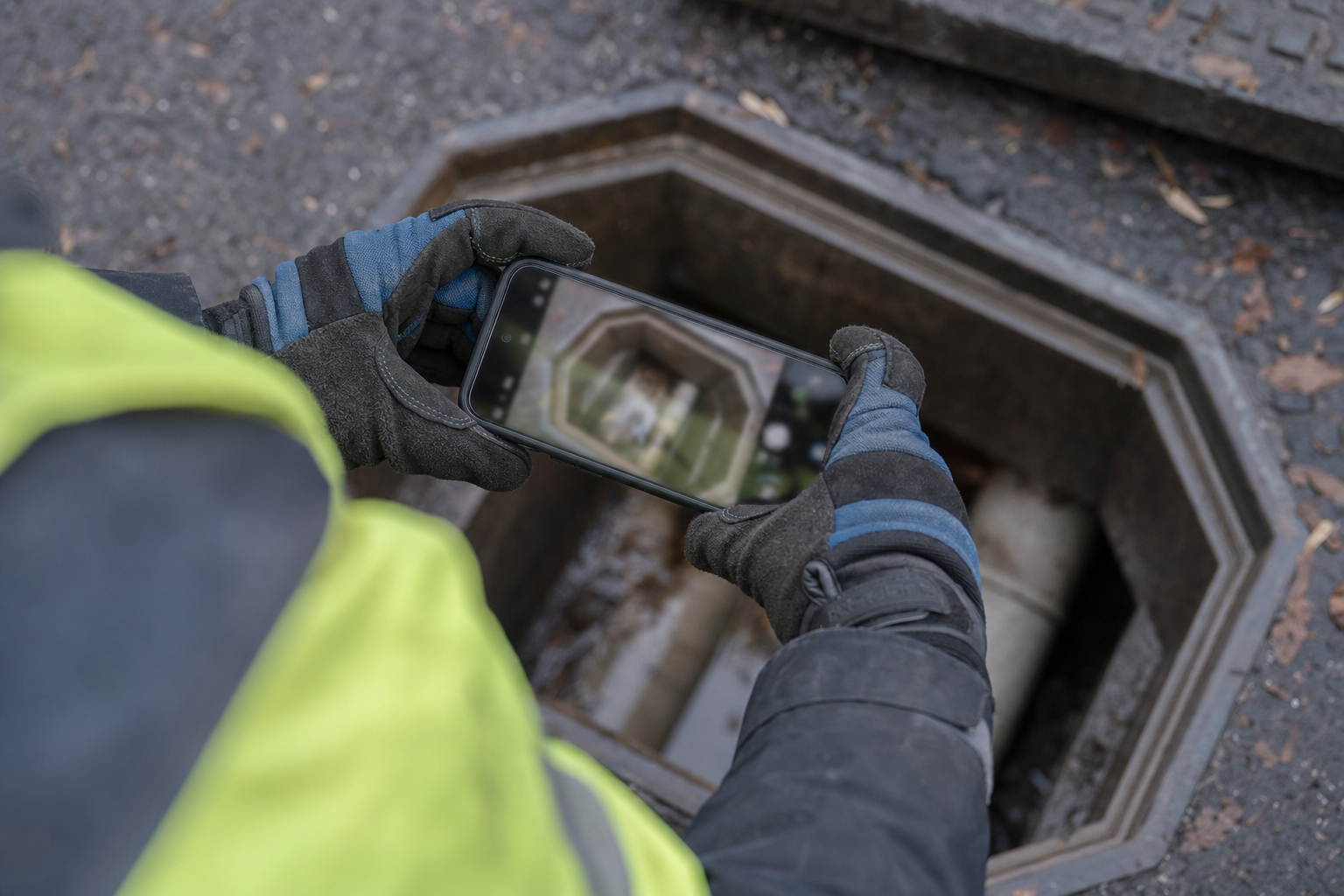
What “offline inspection” should actually include
A camera app saving JPEGs to the gallery is not offline inspection. A credible offline workflow includes:
| Capability | Why it matters |
|---|---|
| Structured MH/IC forms | Pipes, inverts, cover, benching, defects — all queryable for sheets and CAD |
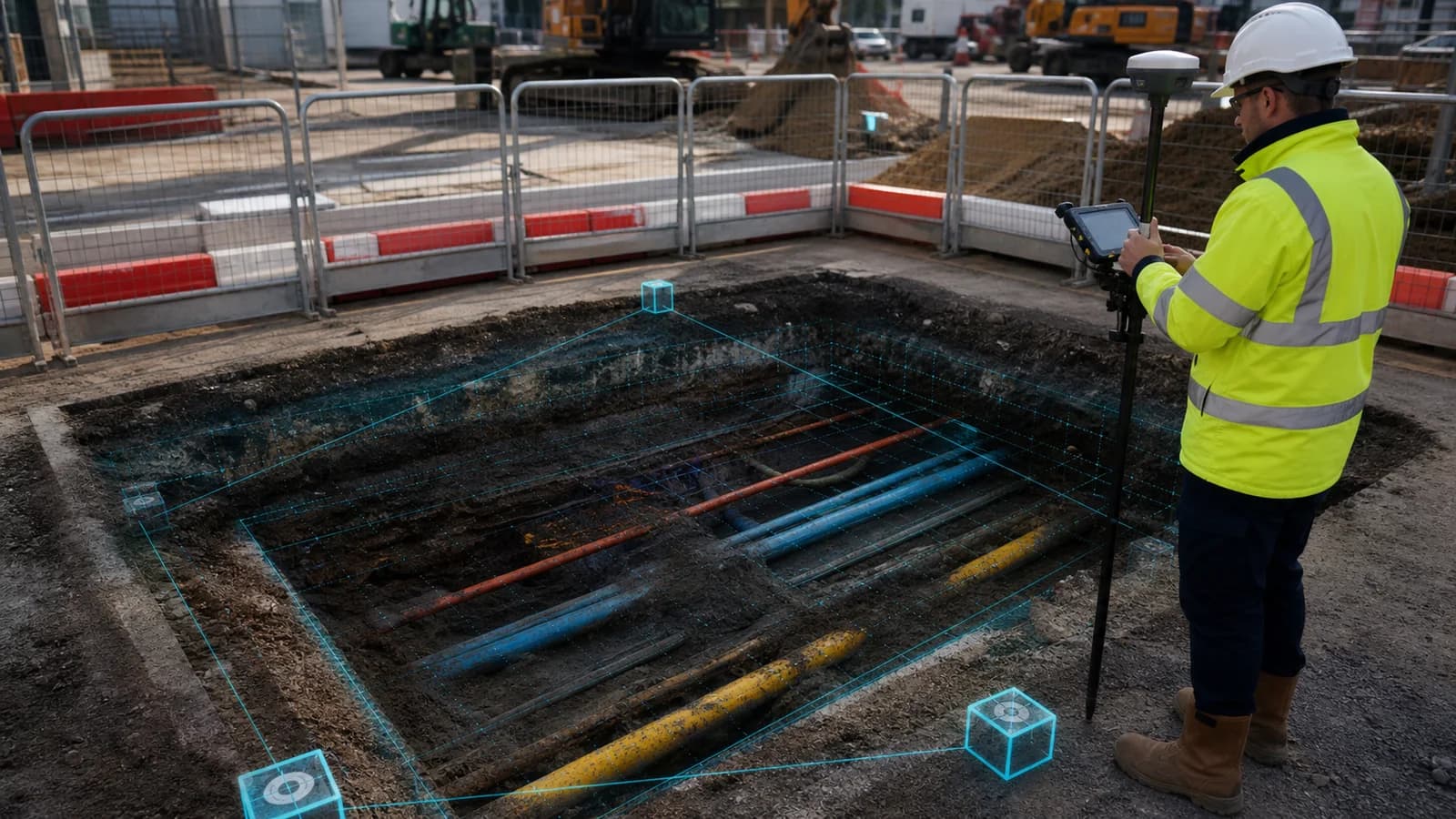
| Geo-photos with GPS | Proves where and when; supports disputes and audit — see geo-photo capture guide |
| Sketches / diagram data | Angles and layout for auto-sketch and DXF export |
| Stable local asset IDs | Same chamber keeps the same ID before and after sync |
| Queue with retry | Failed uploads resume without duplicate inspections |
| Read-only access to prior inspections | Surveyor sees last visit data on site without downloading the whole project again |
If any of those break offline, the team will revert to paper for that element — and you are back to two sources of truth.
Geo-photos, GPS and sketches without connectivity
Geo-photos are the fastest win on most jobs. A photo of silt level, defective benching or cover condition is useless in a client pack if nobody knows which asset it belongs to.
Good practice on site:
- Open the asset from the project map or scan list — not the generic camera app
- Capture the geo-photo inside the inspection — GPS and asset ID attach automatically
- Complete structured readings in the same session while the chamber is open
- Add sketch or pipe data before you backfill and replace the cover
Sketches and pipe tables should save locally with the same inspection ID. When myPitLab syncs, the office sees the sketch pipeline and can run QA without chasing the surveyor for “that photo from chamber 47.”
💡 Capture once, deliver everywhere myPitLab Field works offline for inspections, geo-photos and sketches. Sync when you are back on signal; office QA and client-ready PDF/DXF run from the same record. Start free on myPitLab →
Sync, QA and publish when you are back online
Offline capture is only half the story. The return journey matters:
- Automatic sync — inspections upload in the background when connectivity returns; surveyor should not manually export files
- Conflict handling — two surveyors on the same asset should surface clearly, not silently overwrite
- Office QA — validation rules flag missing inverts, impossible pipe counts or blank mandatory fields before publish
- Publish to client — PDF sheets, DXF and portal access from the approved record, not a re-export from Excel

Teams that skip step three send clients packages with holes. Teams that re-key after sync waste the offline investment entirely.
How to evaluate offline-capable MH software
Use this checklist on a pilot job — ideally one day with deliberate offline use:
- Create a new inspection with zero signal — does every mandatory field save?
- Capture at least three geo-photos — do GPS coordinates appear after sync?
- Complete a sketch or pipe table offline — does the office see it without re-entry?
- Kill the app mid-inspection and reopen — is data still there?
- Sync on 4G after a full day offline — are all assets present once in the office view?
- Publish one sheet to PDF/DXF — does output match what was captured on site?
If the vendor asks you to “use hotspot for real offline,” push back. Your surveyors will not have a hotspot on a rail possession.
Frequently asked questions
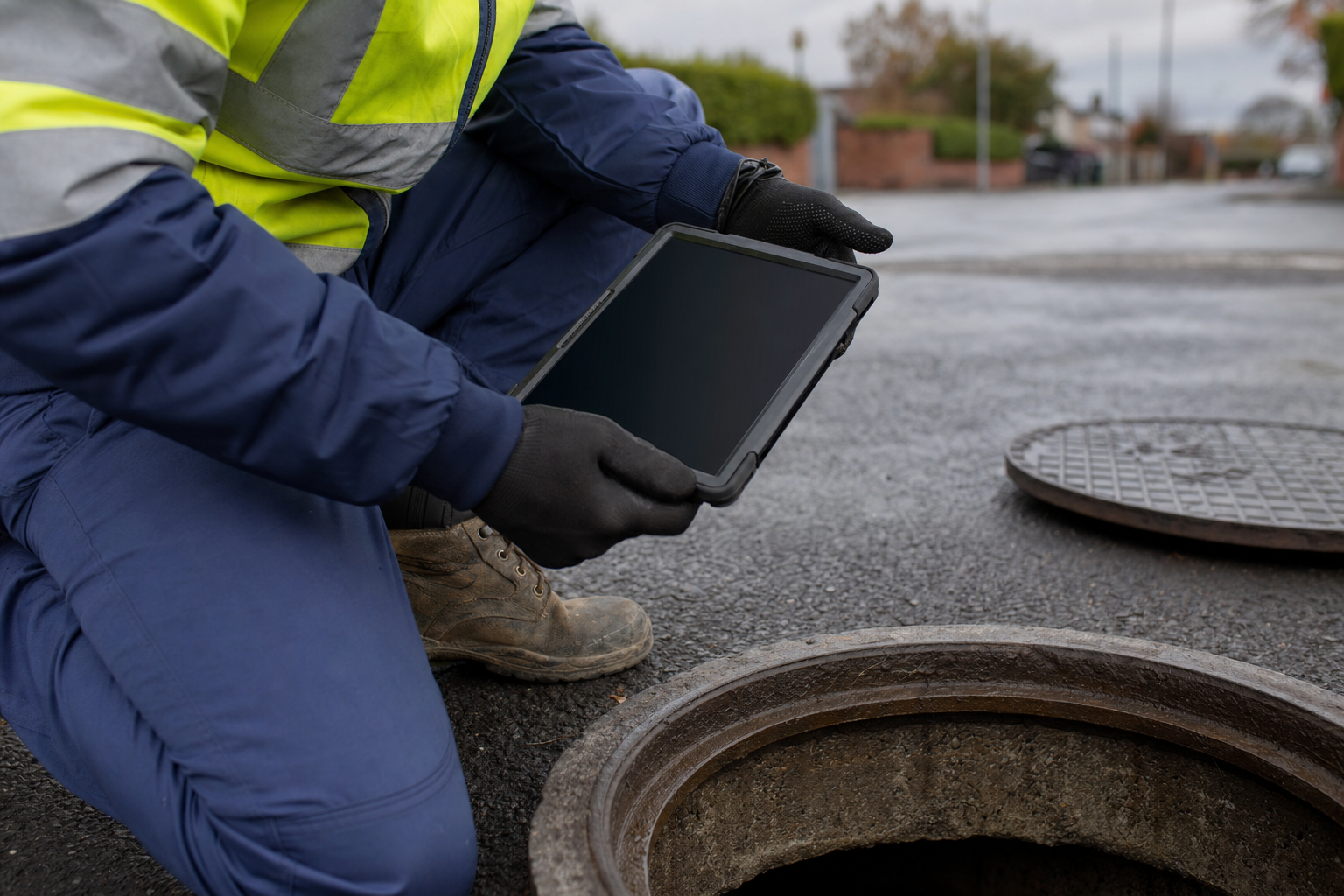
Does offline inspection work on any phone? Use a device your team already carries — typically a recent iPhone or Android phone with enough storage for a day’s photos. Rugged tablets are optional; reliability and battery matter more than branding.
What happens if sync fails halfway through upload? A robust queue retries failed items and keeps local copies until upload succeeds. Surveyors should see which inspections are still pending, not a silent failure.
Can multiple surveyors work offline on the same project? Yes, if each inspection is tied to a local asset ID and conflicts are handled when two people touch the same chamber. Clear project ownership rules on site still help.
Is offline less accurate than online? No — GPS and form data are captured the same way. Accuracy depends on surveyor discipline (open the right asset, complete pipes before backfilling), not on connectivity.
Do clients care whether we captured offline? Clients care that deliverables are complete, consistent and traceable. Geo-photos and structured records matter more than how you got signal back to the office.
Summary
Offline manhole inspection is standard operating procedure for UK survey teams in 2026, not a edge-case feature. The platforms that win treat structured capture, geo-photos and sync as one continuous workflow — from open cover to client portal.
If your current process still depends on “we’ll finish it when we have signal,” you are paying for that delay in rework, QA failures and client queries. Fix the field record first; delivery gets faster automatically.
For related reading, see our guides on drainage survey software, cover and invert levels, auto-generated IC diagrams, geo-photo capture, gully surveys, DXF/CAD export, KML GIS handover, RAMS for survey jobs and the all-in-one survey platform.
Next steps: Run a one-day offline pilot on a live project, then compare office QA time against your paper or camera-roll baseline. Browse all myPitLab insights or start a free trial to test offline capture on your next MH job.